
Top Picks for Best Car Diagnostic Tools
Imagine driving to an important meeting when suddenly your car’s check engine light turns on. The ominous glow suggests something is wrong, but without a mechanic or a diagnostic tool handy, you’re left wondering whether it’s a minor issue or something that could lead to a breakdown. This scenario highlights the indispensable nature of having a reliable car diagnostic tool. Such tools can swiftly provide insights into the health of your vehicle, ensuring timely maintenance and potentially saving you from costly repairs. From hobbyists to professional mechanics, the right diagnostic tool can dramatically simplify troubleshooting car problems.
In this expert roundup, we dive into the specifics of selecting the best car diagnostic tools available on the market. From compact devices that fit in your glove compartment to professional-grade gadgets capable of detailed analysis, there’s a suitable option for every type of user. Brands like Autel, Bosch, and BlueDriver come to mind when considering quality and reliability. Whether it’s for a quick pre-trip inspection or detailed engine diagnostics, these tools provide the insights needed to maintain your vehicle’s health.
Autel MaxiCOM MK808
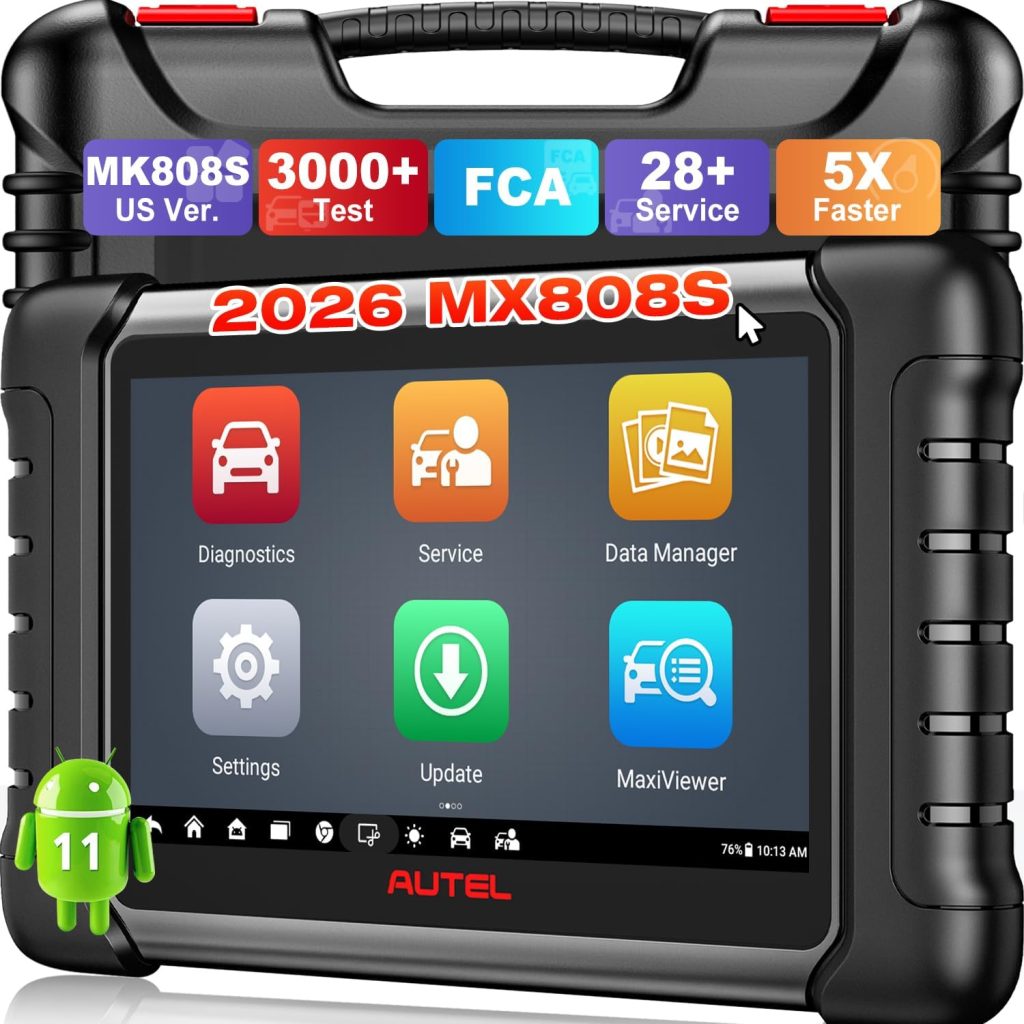
Starting off with a tool that combines depth with user-friendliness, the Autel MaxiCOM MK808 emerges as a superior choice for enthusiasts and seasoned mechanics alike. It boasts a robust range of functions encapsulated within an intuitive interface, making car diagnostics feel less like a chore and more like a high-tech expedition into the workings of your vehicle.
Pros
- Extensive vehicle coverage across many brands and models
- Features advanced functionalities like EPB, DPF, and SAS services
- Equipped with a large, responsive touchscreen
- Auto VIN technology enables quick and accurate identification
- One-year warranty and updates
- Cloud-based data management for reports and records
Cons
- Initially, the cost might be high for hobbyists
- Requires some learning for complete newbies
Key Features & Benefits
The MaxiCOM MK808’s comprehensive diagnostics encompass a variety of operations such as oil reset, TPMS, and IMMO (immobilizer) functions, making it highly versatile. Its Android-based operating system ensures smooth operations and fast boot-up times, an essential factor when time is of the essence during diagnostics. The tool’s ability to quickly decode VIN numbers simplifies the process of vehicle identification, allowing more time for actual repair work.
Moreover, the device’s connectivity capabilities enable users to print diagnostic reports directly, which can be invaluable when maintaining service documentation. Its intuitive design ensures that even users who are not professionally trained mechanics can navigate through complex diagnostics processes with ease. These features illustrate how the MK808 isn’t just about diagnosing car problems but efficiently managing vehicle health.
Bosch OBD 1300
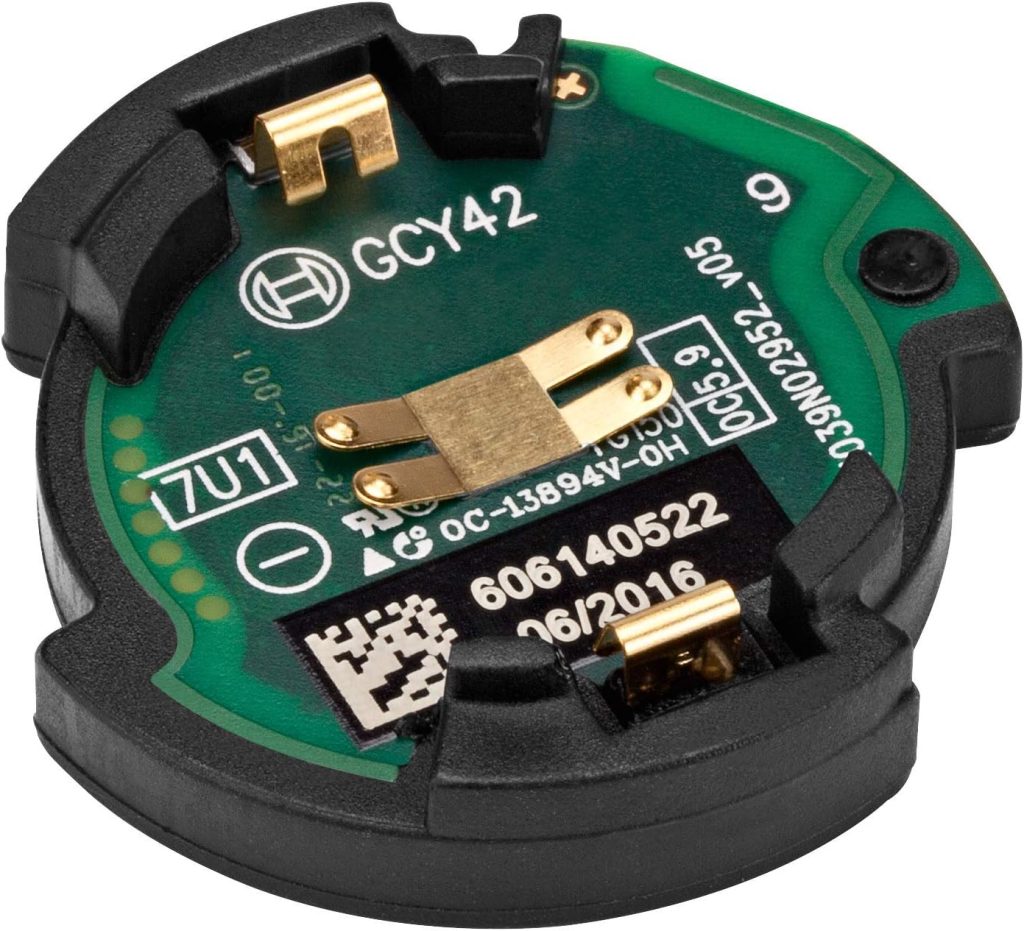
For those who treasure simplicity with proficiency, the Bosch OBD 1300 stands out. This model is particularly advantageous for car owners who prefer a straightforward approach to vehicle diagnostics without compromising on capability.
Pros
- User-friendly interface suitable for beginners
- Supports live data and freeze frame functions
- Comes with built-in OBD II DTC library
- Provides multilingual support
- Durable build quality
Cons
- Lacks some of the advanced features found in more expensive models
- Not suitable for more technical users looking for deep diagnostics
Key Features & Benefits
The Bosch OBD 1300’s live data capability allows for real-time monitoring of engine and vehicle performance, providing instant feedback that can be crucial for diagnostic assessments. The tool’s OBD II Data Library is a solid asset, offering definitions and explanations directly on the device, thus eliminating the need for cross-referencing with manuals or smartphones.
This tool not only stands out for its straightforward functionality but also for how it caters to the needs of everyday car owners. The inclusion of a color display with a user-friendly interface makes navigation through menu options smooth and fast, making it less daunting for novices attempting to understand complex engine codes. It’s ideal for regular drivers who require dependable, quick car assessments with minimal fuss.
How to Choose the Right Top Picks for Best Car Diagnostic Tools
Choosing the correct car diagnostic tool involves more than just picking the most expensive or the most popular model. It requires understanding the specific needs of your vehicle and your capabilities as a user. Whether you’re a professional mechanic or a car enthusiast, here are a few factors to consider:
- Compatibility: Ensure the tool you choose is compatible with your car’s make and model. Some tools are designed specifically for certain brands or updates for new vehicles.
- Functionality: Consider what diagnostics you need. Some tools offer basic code reading, while others offer full-system diagnostics including engine, ABS, transmission, and more.
- Usability: Look for a tool with an interface that you find intuitive and easy to navigate. If you prefer technology at your fingertips, perhaps a smartphone-compatible scanner is right for you.
- Updates and Support: Diagnostic tools frequently need updates. Check what kind of support and updates are available for the tool to ensure it stays up-to-date with the latest vehicle technology.
FAQ
Can these tools be used by someone with no mechanical experience?
Absolutely, many of the diagnostic tools are designed with easy-to-use interfaces and provide definitions and possible solutions for error codes, making them accessible for users with minimal mechanical knowledge.
Do these car diagnostic tools come with warranties?
Yes, most reputable brands offer warranties that cover any defects or issues that might arise with the product, usually at least for a year from purchase.
Are updates necessary for these tools?
Yes, keeping your device updated ensures compatibility with newer vehicles and includes fixes and improvements to the tool’s functionality.
Can I use a car diagnostic tool on multiple vehicles?
Yes, most car diagnostic tools are designed to work with a variety of vehicle makes and models, though it’s important to check the specific compatibility with each tool.
Is it possible to perform advanced diagnostics with these tools, such as recalibrating sensors
Some higher-end models do allow for advanced functions like recalibrating sensors and programming new components, catering to more technical users.
How do these tools interface with the car?
Diagnostic tools typically connect via the OBD-II port, which is found under the dashboard in most cars made after 1996. Some use a cable while others connect wirelessly.
Conclusion
Selecting the right car diagnostic tool can significantly ease the process of maintaining your vehicle’s health. Whether you opt for a simple model for basic troubleshooting or a complex device for comprehensive diagnostics, the key is choosing a tool that fits your technical comfort level and meets your specific needs. Consider the intuitive design of the Bosch OBD 1300 for quick diagnostics or the technologically advanced BlueDriver for detailed car analysis. Whatever your choice, the right tool will equip you to tackle car troubles with confidence and precision, ensuring your vehicle remains in peak condition.